Typing Speed vs Accuracy: Which Matters More?
Speed vs accuracy typing is not a simple contest. Learn why effective typing speed depends on net WPM, accuracy standards, and smart practice.
Introduction: Speed vs Accuracy Typing
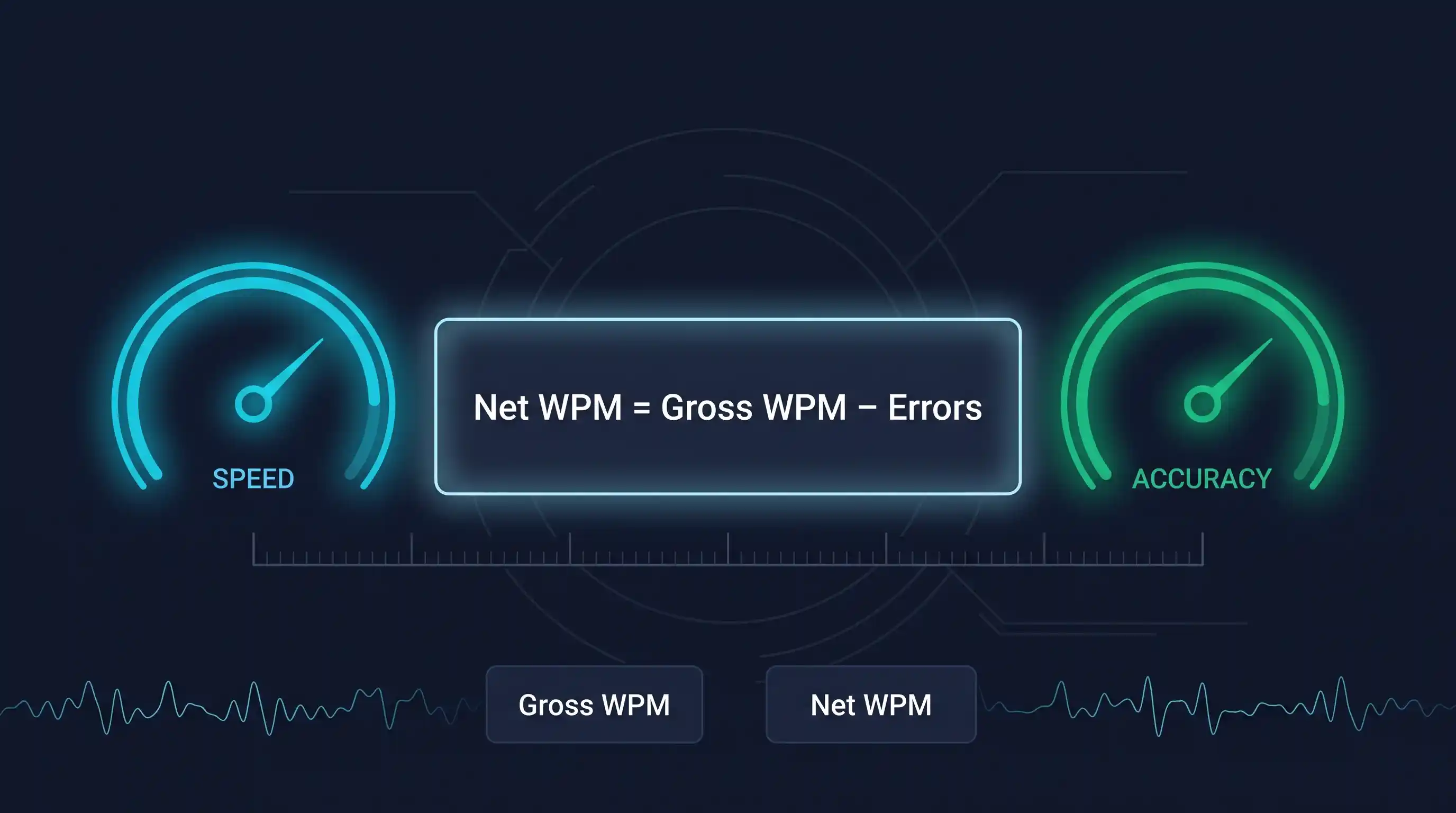
Speed vs accuracy typing is one of the first questions people ask after taking a WPM test: should you push for a higher raw score, or slow down until your mistakes disappear? The practical answer is that accuracy wins first, then speed becomes valuable. Raw WPM looks impressive, but your real productivity depends on net WPM, which measures effective typing speed after errors are counted.
Think about two results: 80 WPM at 85% accuracy and 60 WPM at 98% accuracy. The first result looks faster, but it often creates more rework, more proofreading, and more lost focus. The second result may be slower on the surface, yet it produces cleaner text that is ready to use. That is why professional typing accuracy standards often matter more than the headline speed number.
This guide explains the net WPM formula, accuracy standards by profession, the productivity cost of mistakes, and the optimal accuracy percentage to target while practicing. You will also find an interactive calculator that shows exactly how errors reduce your effective typing speed.
The Net WPM Formula Explained
Gross WPM is your raw typing speed before penalties. It answers a simple question: how many standardized words did you type per minute? In typing tests, one standardized word is usually five characters, including spaces, punctuation, and numbers.
Net WPM is your effective typing speed after accounting for mistakes. This number is more useful for real work because errors are not free. They interrupt your rhythm, require correction, and can reduce trust in the final text.
The error penalty typically ranges from 1.5 to 2 WPM per mistake. Different platforms choose different penalty factors, which is why the same performance can produce slightly different scores across typing websites.
- Gross speed: 80 WPM
- Errors: 8 errors in 2 minutes
- Penalty: 8 x 0.5 WPM = 4 WPM
- Net WPM: 80 - 4 = 76
- Gross speed: 60 WPM
- Errors: 2 errors in 2 minutes
- Penalty: 2 x 1 WPM = 2 WPM
- Net WPM: 60 - 2 = 58
- Gross speed: 100 WPM
- Errors: 15 errors in 3 minutes
- Penalty: 15 x 1 WPM = 15 WPM
- Net WPM: 100 - 15 = 85
Accuracy Standards by Profession
The right balance between speed and accuracy depends on the work you do. A casual email can survive a quick typo. A financial record, medical note, legal transcript, or customer support reply cannot. Use these typing accuracy standards as practical benchmarks.
Data Entry Specialists
- Required accuracy: 99%+ with speed secondary.
- Why it matters: every error can damage data integrity, billing, inventory, analytics, or company finances.
- Realistic WPM target: 70-80 WPM with 99% accuracy is the goal.
- Real-world impact: hiring managers usually prioritize accuracy over speed for data entry roles.
Transcriptionists and Court Reporters
- Required accuracy: 98-99%+.
- Why it matters: legal and medical transcription errors can have serious consequences.
- Realistic WPM target: 80-95 WPM with 98%+ accuracy required.
- Real-world impact: this is one of the most demanding typing roles, and accuracy pressure is a common burnout factor.
Customer Service and Live Chat Agents
- Required accuracy: 95%+.
- Why it matters: agents type in real time, and typos can damage brand reputation or create confusion.
- Realistic WPM target: 55-70 WPM with 95%+ accuracy preferred.
- Real-world impact: the speed and accuracy balance affects response time, customer satisfaction, and quality metrics.
Administrative and Office Support
- Required accuracy: 95-97%.
- Why it matters: emails, documents, reports, and meeting notes represent professional communication.
- Realistic WPM target: 50-60 WPM with 95%+ accuracy.
- Real-world impact: typing may be a secondary function, but quality still affects credibility.
Content Writers and Journalists
- Required accuracy: 97-98%.
- Why it matters: published content reflects a company or personal brand.
- Realistic WPM target: 70-85 WPM with 97%+ accuracy.
- Real-world impact: editing exists, but faster clean typing means more drafting output and less cleanup.
| Profession | Min Accuracy | Target WPM | Speed Priority | Accuracy Priority |
|---|---|---|---|---|
| Data Entry Specialists | 99%+ | 70-80 WPM | Medium | Very high |
| Transcriptionists and Court Reporters | 98-99%+ | 80-95 WPM | High | Very high |
| Customer Service and Live Chat Agents | 95%+ | 55-70 WPM | High | High |
| Administrative and Office Support | 95-97% | 50-60 WPM | Medium | High |
| Content Writers and Journalists | 97-98% | 70-85 WPM | High | High |
Want to know how your typing speed compares to others your age? See our guide to average WPM by age. For career-specific WPM targets, use our typing speed benchmarks by job.
The Productivity Cost of Errors
One typing error costs 2-3 seconds of correction time on average. That includes noticing the typo, moving your cursor or using backspace, fixing the word, and returning to your original thought. The correction may feel tiny, but the interruptions compound quickly.
10 errors in 5 minutes equals 20-30 seconds of wasted time. That does not include the hidden cost of losing focus, rereading the surrounding sentence, or worrying that more mistakes remain.
- 80 WPM with 88% accuracy
- Net score: 71 Net WPM
- High correction load
- Result: ineffective
- 60 WPM with 98% accuracy
- Net score: 60 Net WPM
- Low correction load
- Result: effective
- Raw speed is only useful when text is usable.
- Typist B is more productive despite slower raw speed because less time is spent repairing mistakes.
In an 8-hour workday, 20 errors could cost 40-60 minutes of productivity once correction time, review, and context switching are included. For a company with 50 data entry employees, that can mean 33-50 hours lost daily across the team.
Errors also affect first impressions. 58% of hiring managers automatically dismiss resumes with typos, and candidates with grammar errors are 45% less likely to receive callbacks. Even when the numbers vary by industry, the direction is clear: clean typing protects credibility.
Interactive Net WPM Calculator
Use this calculator to understand how errors impact your effective typing speed. Experiment with different accuracy levels, durations, and penalty factors to see why net WPM is more useful than raw speed alone.
This calculator uses the same methodology as our free typing test tool. Try both and compare your results.
Why Accuracy Builds Speed (Not the Reverse)
Accuracy builds speed because typing is a motor skill. Each clean repetition strengthens muscle memory: your fingers learn where keys are, how far to move, and how to return to position without conscious effort. When you force speed too early, you practice wrong movements quickly, and those bad habits become harder to break.
When you type accurately, your motor cortex handles the mechanics automatically, freeing your brain for higher-level thinking like editing, planning, or composition. That lower cognitive load is why accurate typists often feel calmer even when they are moving fast.
The 80/20 Practice Rule
- Spend 80% of your practice time at a comfortable speed where you maintain a 100% accuracy target.
- Spend 20% of your practice time in push sessions where you challenge your speed.
- Review mistakes after every session and slow down whenever accuracy breaks.
This prevents bad habits while building speed naturally. Want a structured practice routine? Read our complete guide to improving typing accuracy with specific exercises.
Timeline Expectations
- Beginner (20-30 WPM) to Intermediate (50-60 WPM): 4-6 weeks.
- Intermediate (50-60 WPM) to Advanced (80+ WPM): 8-12 weeks.
- Assumption: 15 minutes of daily practice with an accuracy-first approach.
Typing Test Methodology: Why Results Vary
Most typing tests use the industry standard that 1 word = 5 characters, including spaces, punctuation, and numbers. This keeps scoring fair because real words vary in length.
Different platforms calculate net WPM differently. Some use a 2 WPM penalty per error. Others use 1.5 WPM per error. As a result, your score can differ by 5-10 WPM across platforms, even when your actual typing performance is the same.
Example: you type 75 WPM with 5 errors. One platform calculates net WPM as 65, while another calculates it as 67.5. Both can be correct; they simply use different penalty structures.
Which Typing Tests Are Most Reliable?
- Professional tests used by governments, schools, or certification programs tend to use stricter standards.
- Popular platforms such as Typing.com and 10FastFingers are useful for practice and motivation.
- TestYourTyping.com uses industry-standard methodology and shows WPM, accuracy, mistakes, duration, language, and difficulty together.
Testing methodology also varies by language. For languages with different character structures, testing methods vary. See our Hindi typing test guide for language-specific information.
The best recommendation is simple: use one consistent testing platform to track real progress rather than comparing scores across different websites.
Exploring different typing tools? Check our review of the best typing tools and platforms to find the right one for you.
Next Steps
The optimal accuracy percentage for most people is 97-98%. Data entry specialists should aim for 99%+, while general office users should treat 95% as the minimum floor before pushing speed. If you are below 95%, your best path is not a harder speed test. It is slower, cleaner practice until your fingers stop repeating the same errors.
Ready to find your baseline? Test your typing speed with our free tool. Take one test now, write down your gross WPM, net WPM, accuracy, mistakes, duration, and difficulty, then repeat the same test conditions for a week. That trend will tell you far more than one record-setting attempt.
Calculate Your Net WPM Instantly
Use our free typing test tool to measure your effective speed.
Start the free typing testSpeed vs Accuracy Typing Framework
Frequently Asked Questions
Related reading
Test your typing speed & accuracy
Take a free timed typing test, see your WPM and accuracy, and download a verified certificate.